



























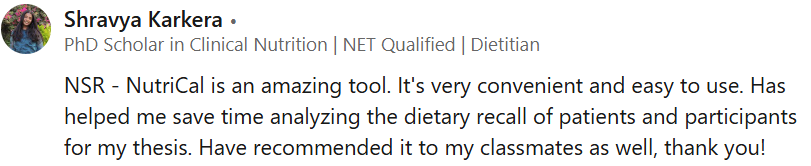
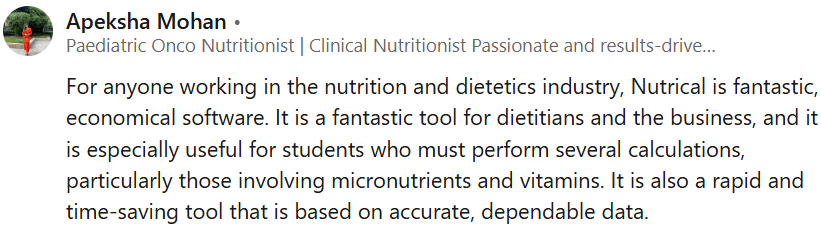
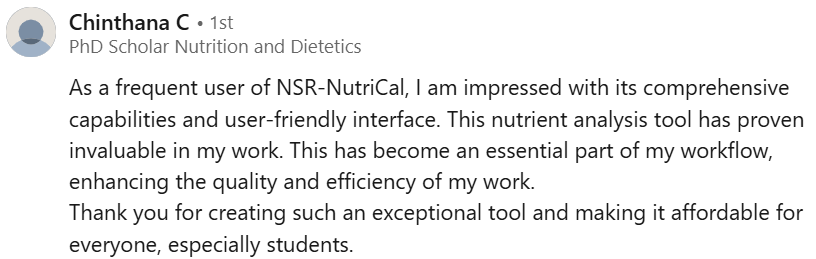
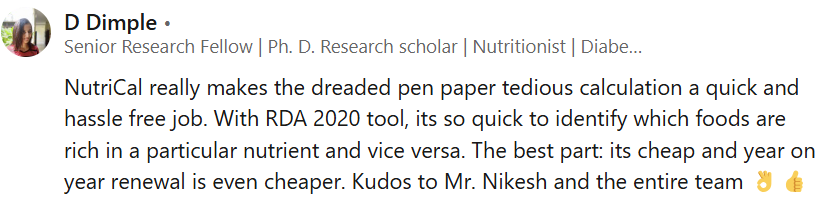











Skilled in analysing data, and implementing process improvements using Google Sheets.
My passion lies in promoting nutrition digitalisation, advancing education and empowering entrepreneurship.
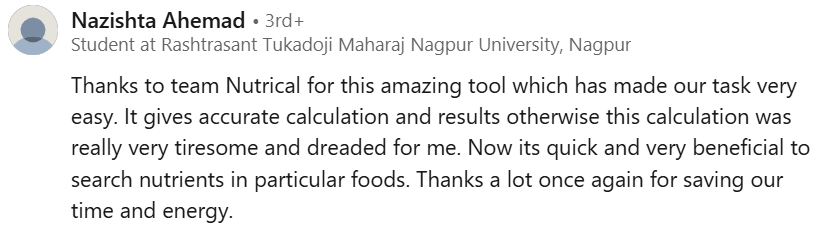
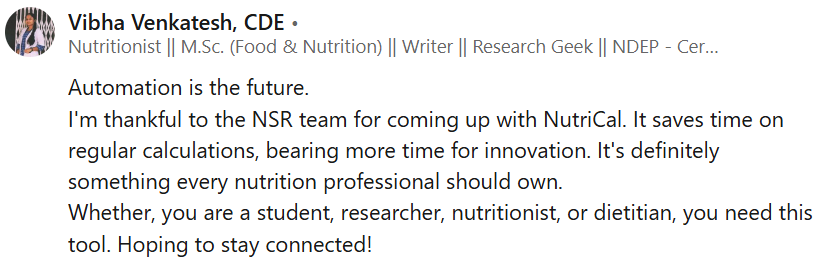
Say goodbye to repetitive calculations and manual planning. NSR-NutriCal® tools streamline your workflow so you can focus more on client care, learning, or research, and less on spreadsheets.
This ultimately saves your time and decreases the possibility of errors while ensuring reliability.
At NSR-NutriCal®, we don’t just create tools – we craft solutions to the daily challenges faced by India’s nutrition professionals. Our Google Sheet-based tools are built for simplicity, accuracy, and real-world utility.
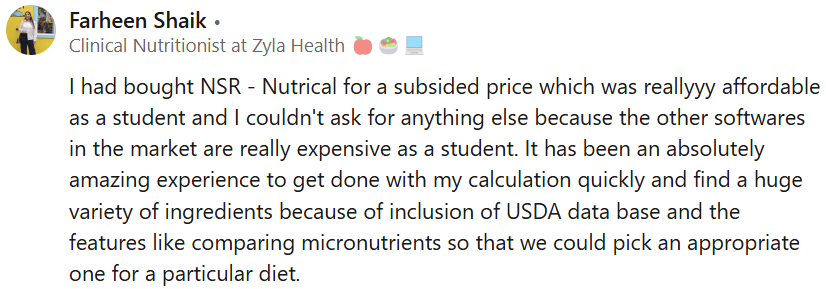
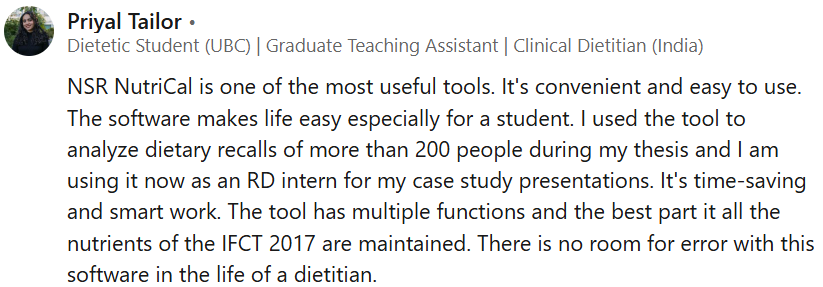
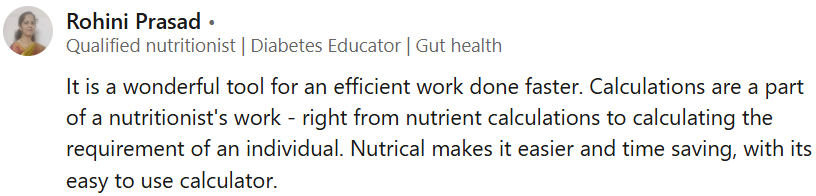
NSR-NutriCal® is a reliable, trusted, and cost-effective tool used by nutrition professionals across India. With advanced features built into a simple Google Sheet format, it’s making daily tasks faster and smarter.
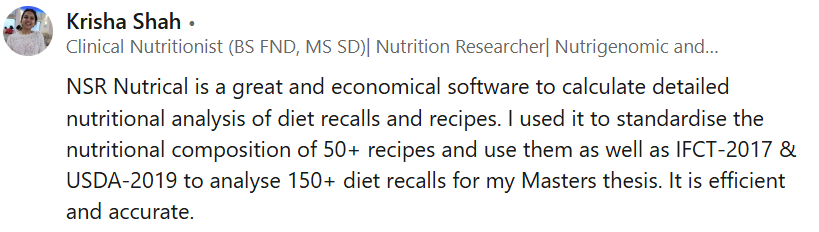
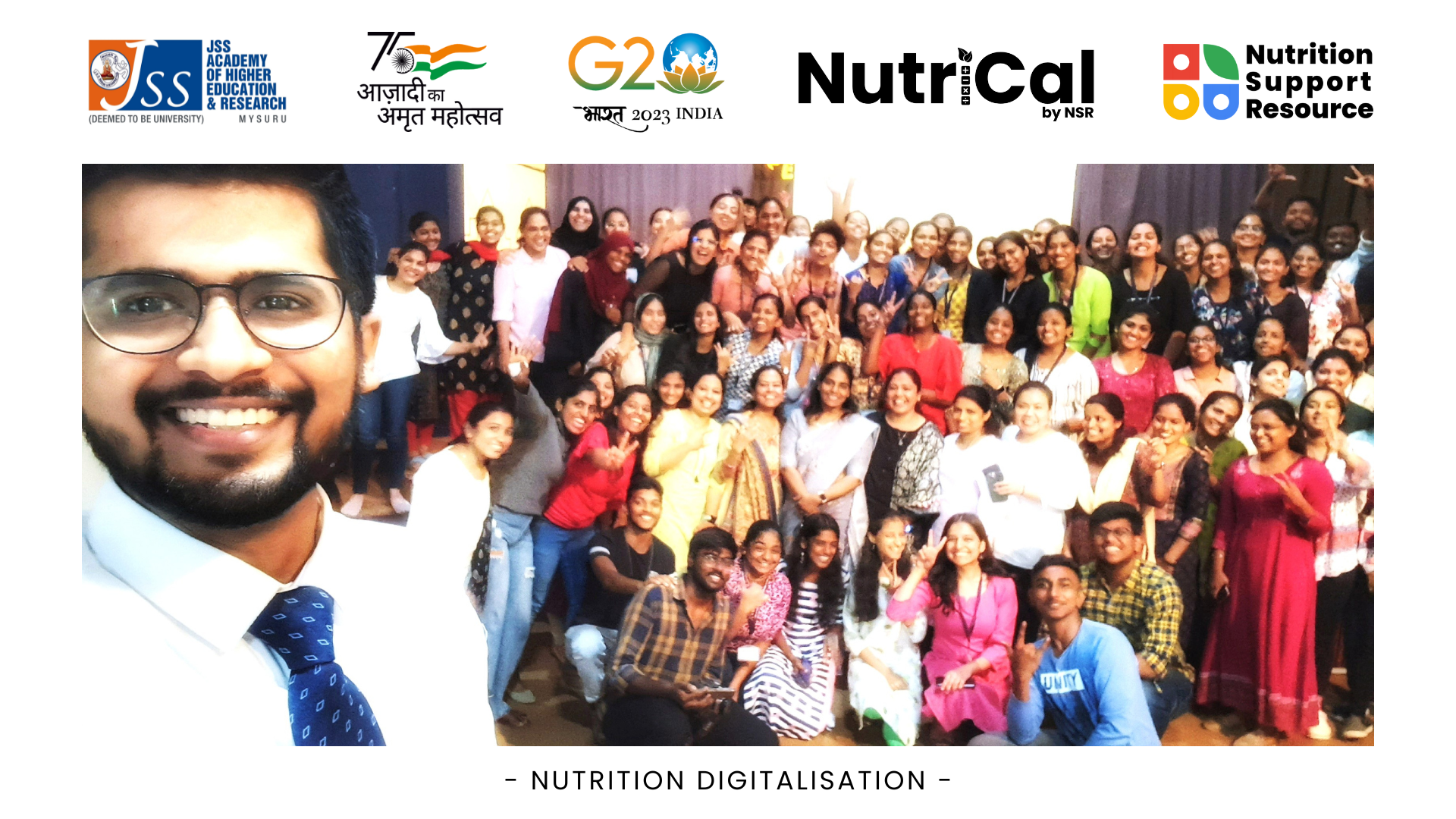
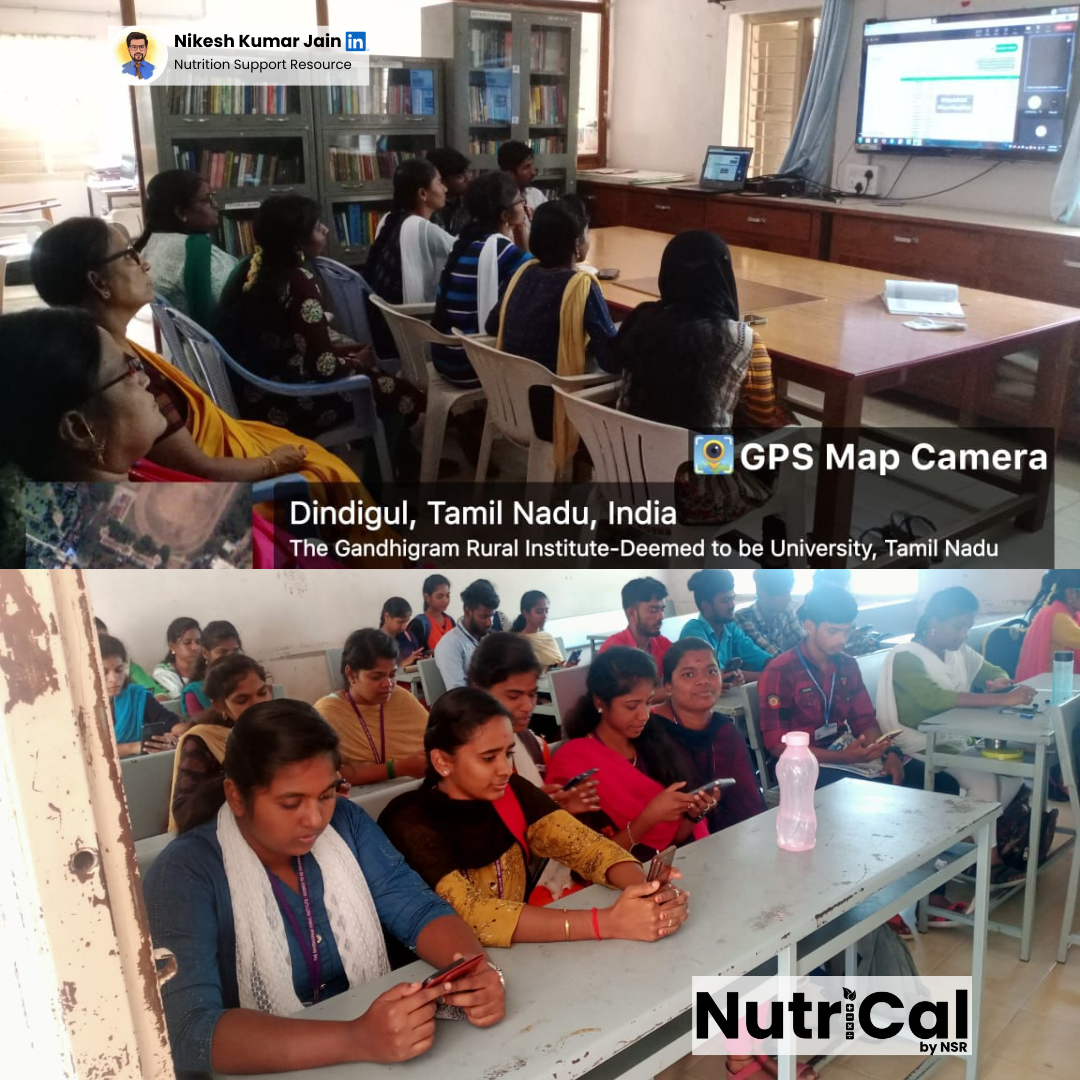
From classroom case studies to PhD thesis work and even national nutrition projects, NSR-NutriCal® is proving its value across education, practice, and research—every single day.
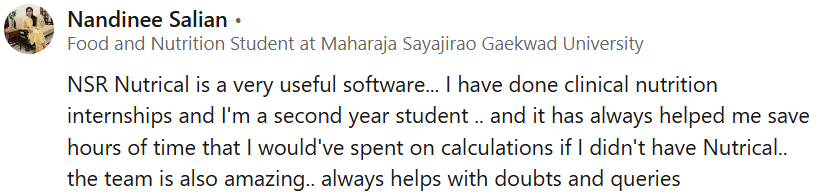
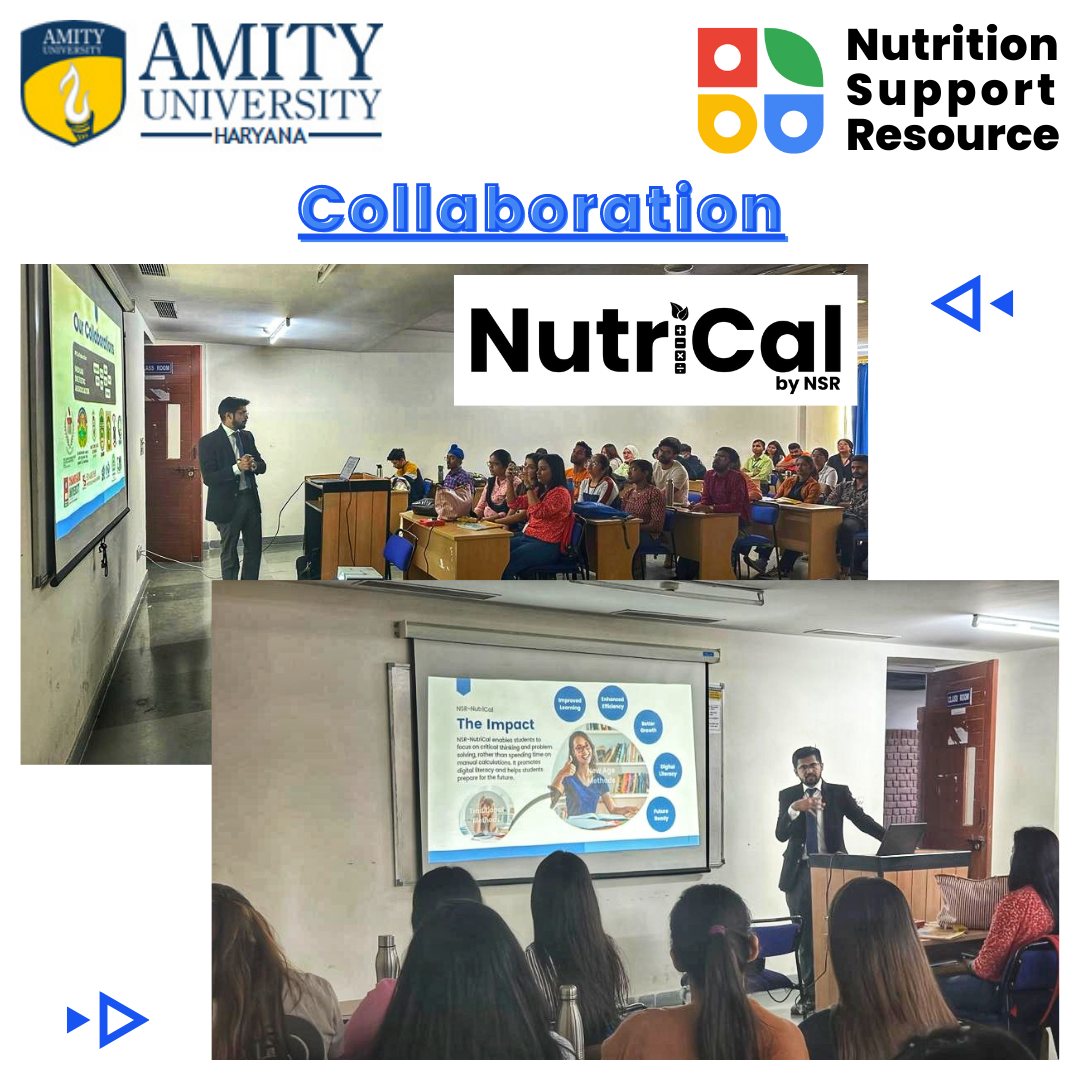
NSR-NutriCal® empowers users to focus on critical thinking and problem-solving by eliminating time-consuming manual tasks. It promotes digital literacy, enhances professional efficiency, and prepares nutrition students and practitioners for a tech-driven future.
Privacy Policy | Terms & Condition | Refund Policy
Copyright © 2025 NSR NutriEduTech Solutions (P) Ltd.
All Rights Reserved.
NSR-NutriCal® Nutrient Analysis Sheet is a powerful Google Sheet-based tool that simplifies recipe and diet analysis using IFCT 2017 and USDA databases. Instantly generate nutrition claims, assess RDA adequacy, and visualise data – all with 100% precision and 95% less effort.
Get a closer look at the powerful features that make NSR-NutriCal® Nutrient Analysis Sheet your go-to nutrient analysis tool. From real-time recipe calculations and 24-hour recall assessments to auto-generated nutrition claims
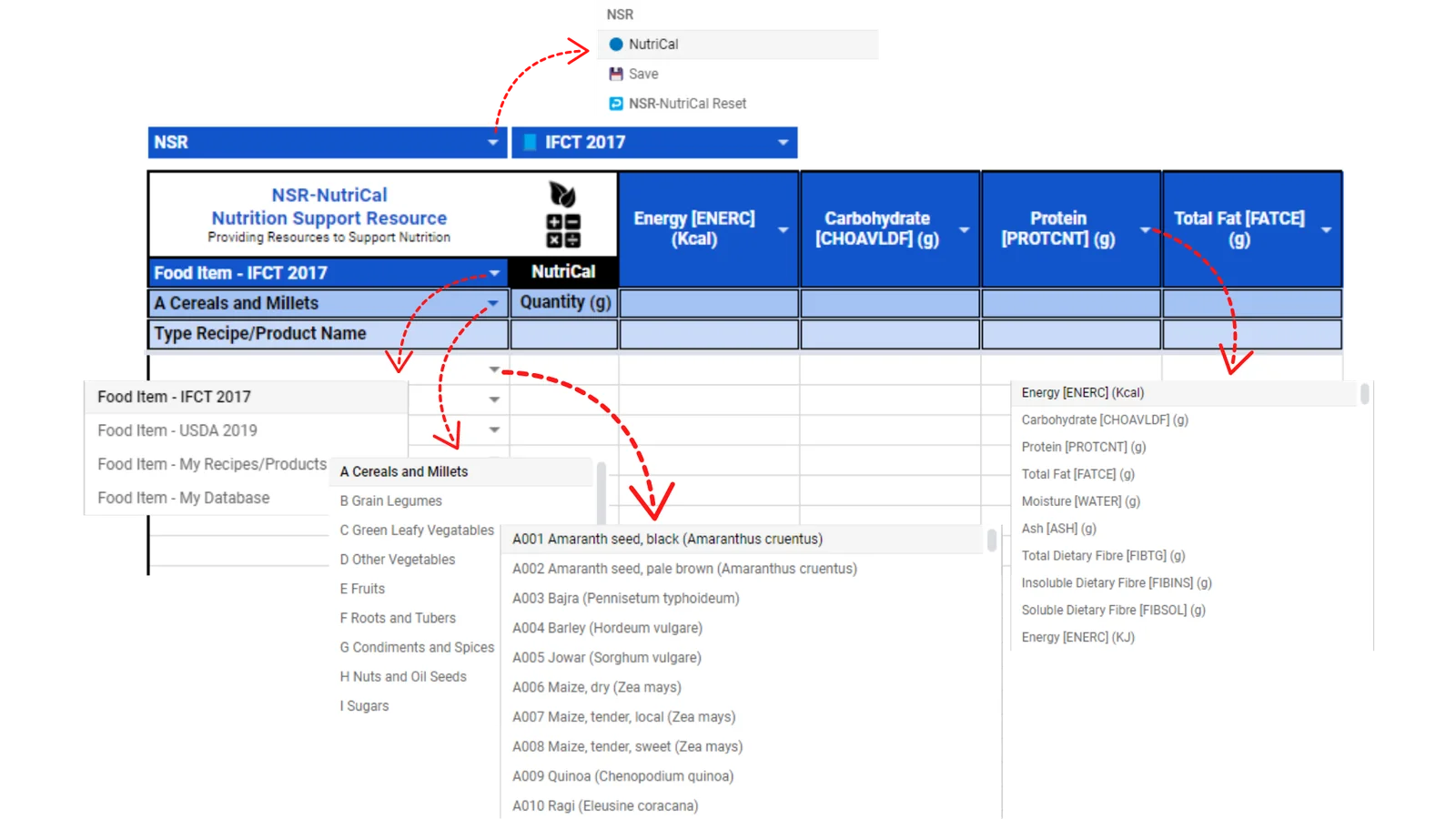
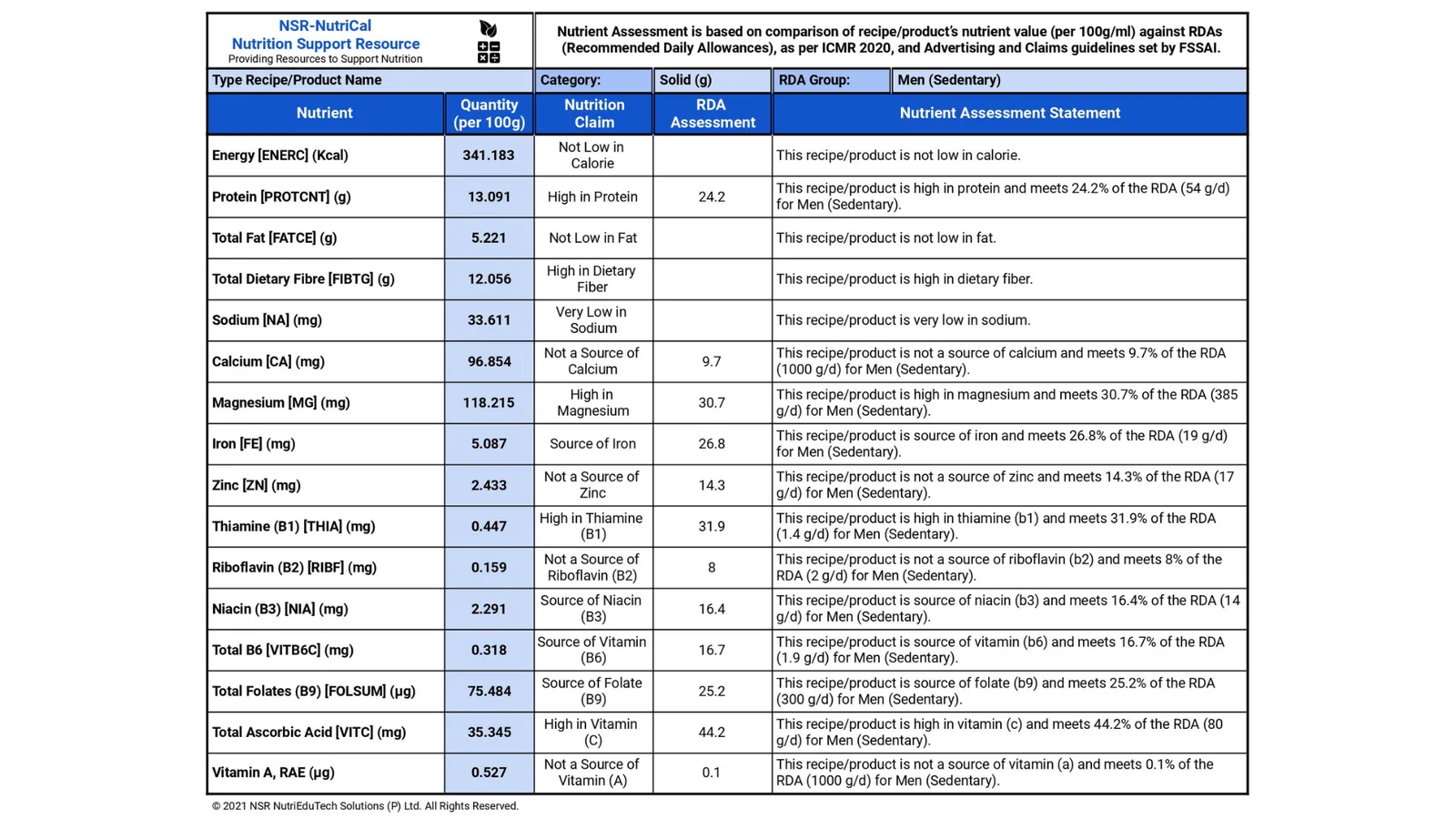
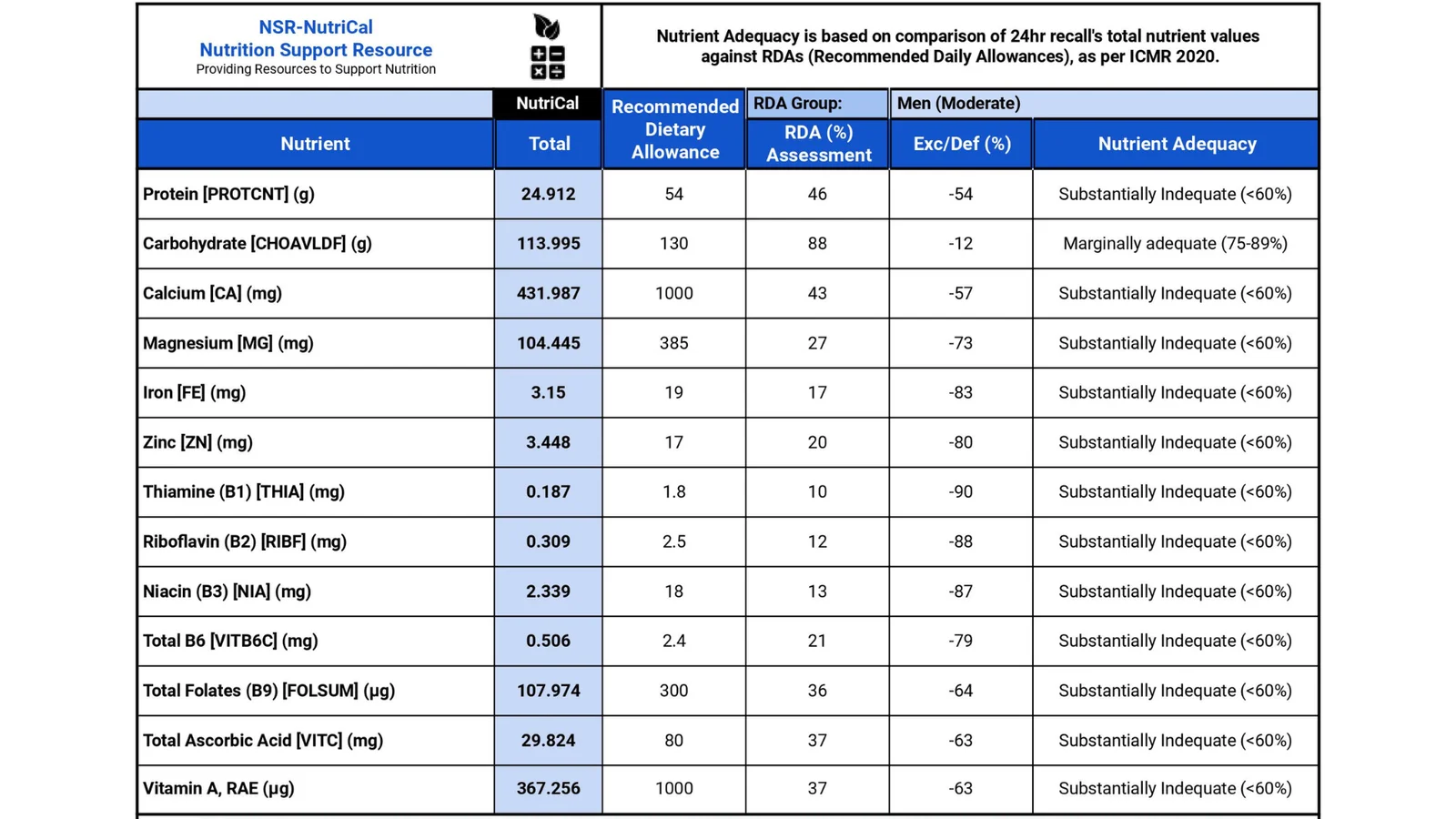
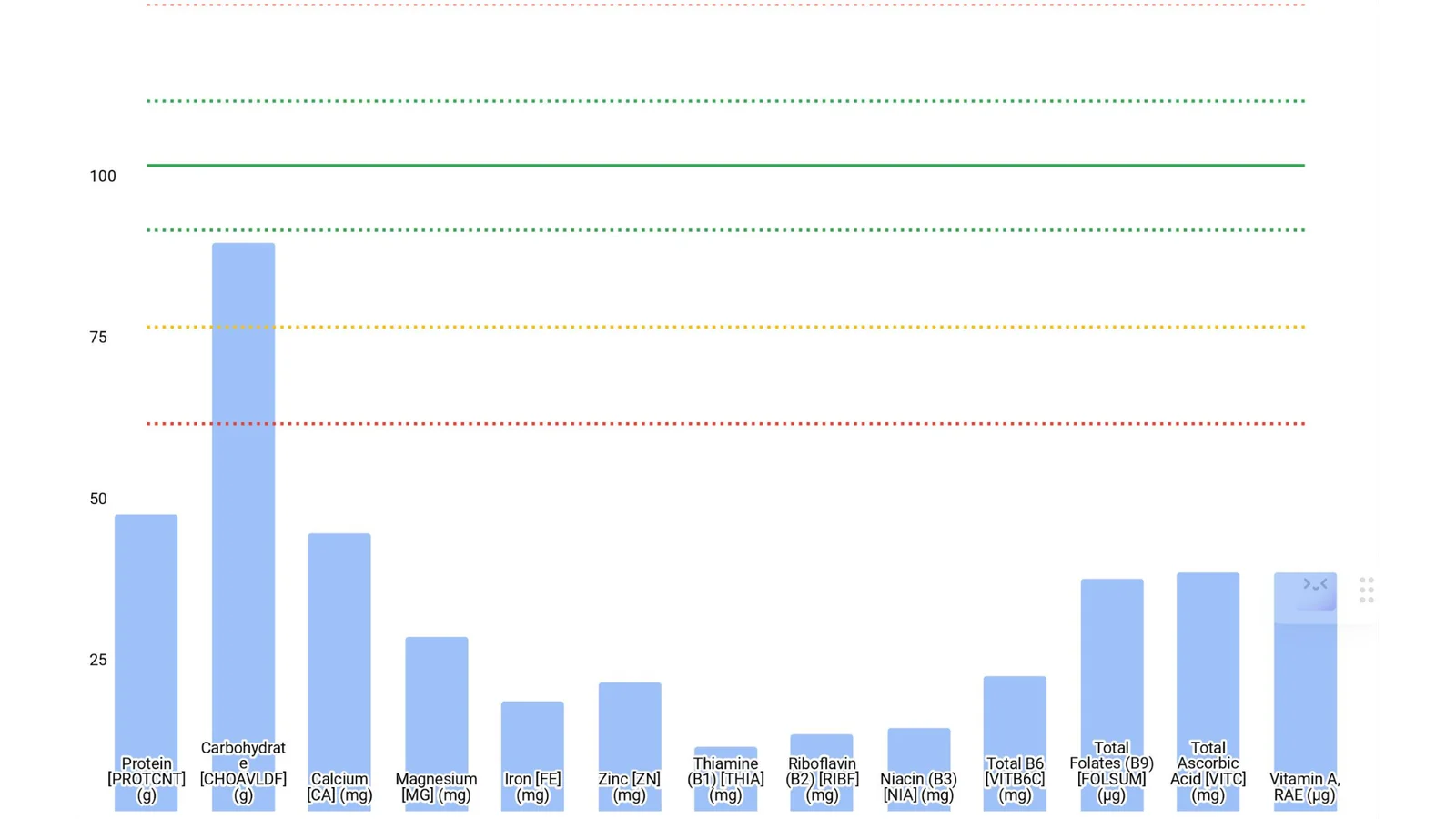
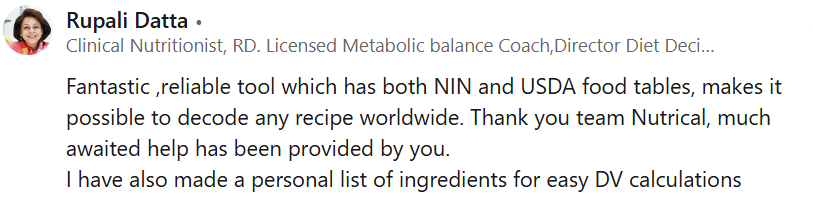
Access two trusted food composition databases—IFCT 2017 (India) and USDA SR-Legacy (USA)—in one seamless tool. Perform quick, error-free nutrient analysis for a wide range of Indian and international foods.
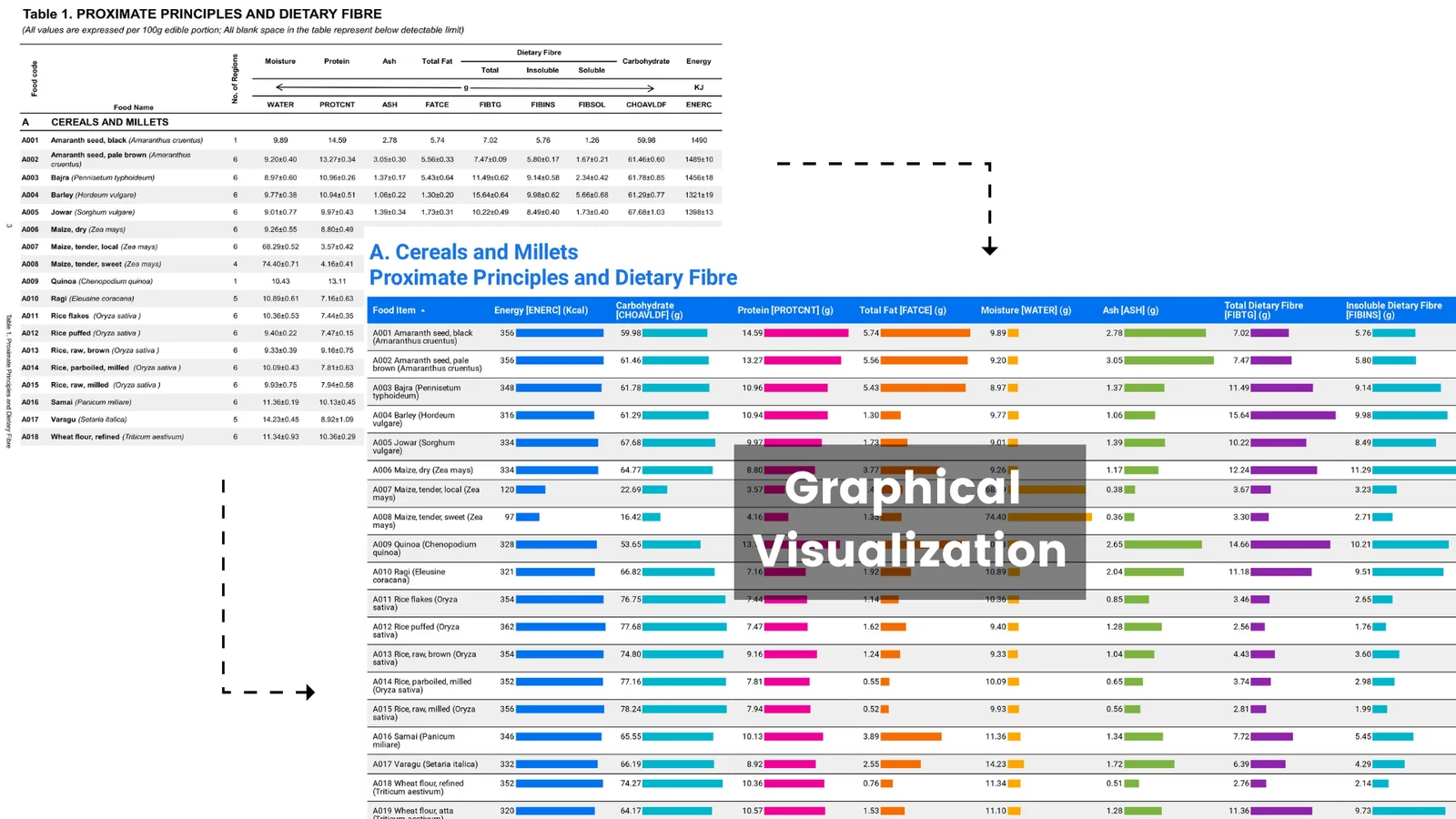
Make sense of complex IFCT data effortlessly with built-in graphical comparisons across 20 food groups. Sort and compare nutrients to accelerate learning and enhance interpretation.
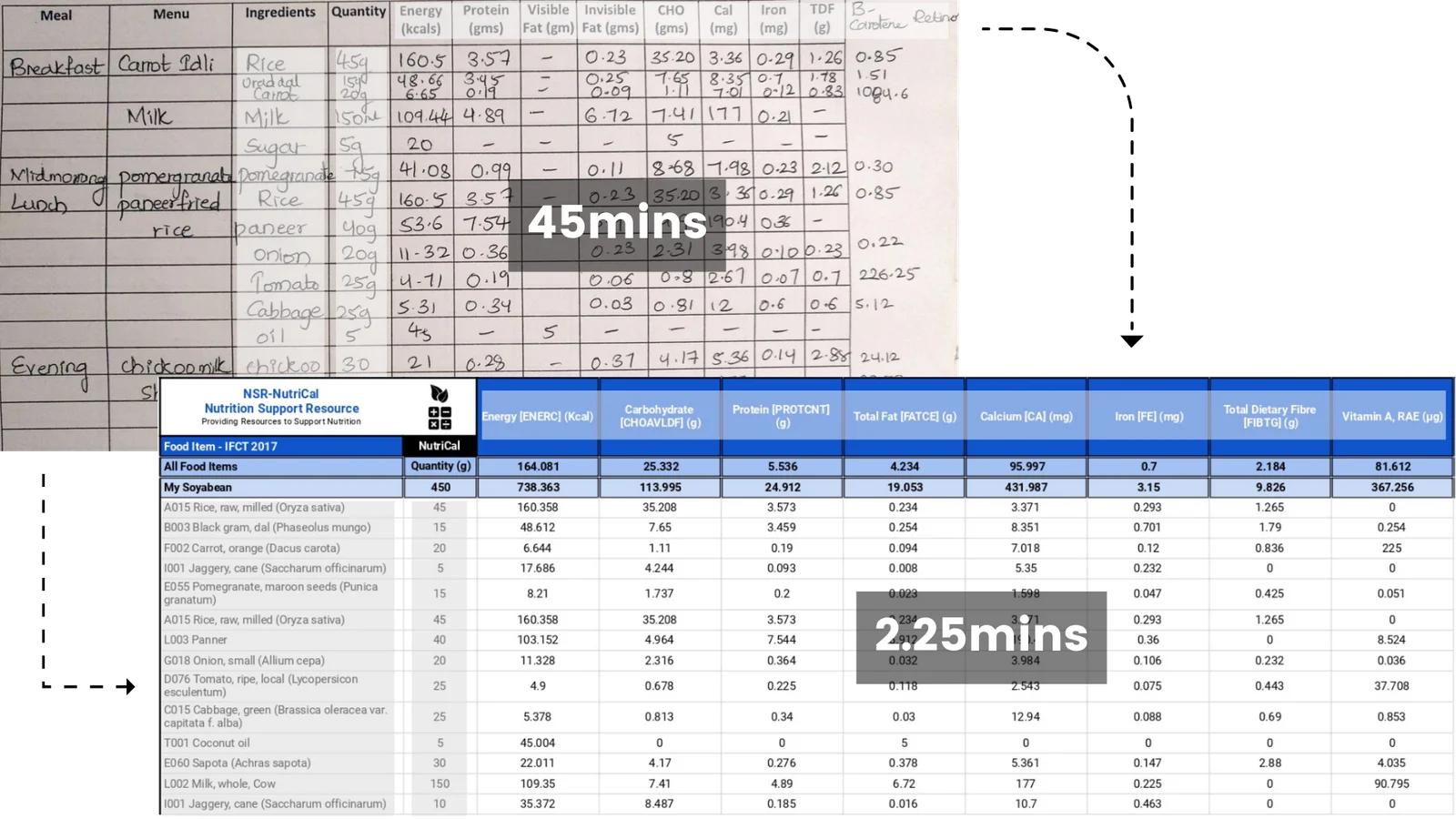
Automatically calculate per 100g nutrient values for any recipe and match them with RDA and FSSAI guidelines. Instantly generate accurate nutrition claims and assessment statements.
Evaluate diet recalls with ease. The sheet calculates total nutrient intake and compares it to RDA values, giving you a graphical breakdown of nutrient adequacy in RDA% — ready for reports and insights.
Build and customise your own personal food database by adding new foods or recipes. Perfect for professionals working with unique regional dishes, product development, or client-specific needs.
NSR-NutriCal® Nutrient Analysis Sheet is designed to be budget-friendly without compromising on features. Get full access to a powerful nutrient analysis tool that saves you time, boosts accuracy, and enhances your nutrition workflow.
Have questions about how NSR-NutriCal® works? Find clear, concise answers to the most common queries and get the clarity you need to start using the tool with confidence.
Once you submit your details (ensure you provide a valid Gmail ID) and complete the payment, our team will create a personalised NSR-NutriCal® Nutrient Analysis Sheet exclusively for you. You’ll receive editor access via email within 24 hours.
NSR-NutriCal® does not include pre-loaded recipes, as there is currently no validated, standardised national recipe database. However, it integrates two powerful databases:
– IFCT 2017 (India): 542 raw food items across 20 food groups with 177 nutrients
– USDA SR-Legacy (2019): 7,793 raw and cooked food items across 25 food groups with 149 nutrients
You can analyse up to 101 food items for 21 nutrients in a single session, combining items from all databases for flexible, comprehensive analysis.
Automatically calculate per 100g nutrient values for any recipe and match them with RDA and FSSAI guidelines. Instantly generate accurate nutrition claims and assessment statements.
The NSR-NutriCal® RDI Calculator Sheet uses powerful custom functions to effortlessly calculate Recommended Dietary Intakes, analyse body composition, and visualise macronutrient breakdowns – all within the familiar environment of Google Sheets.
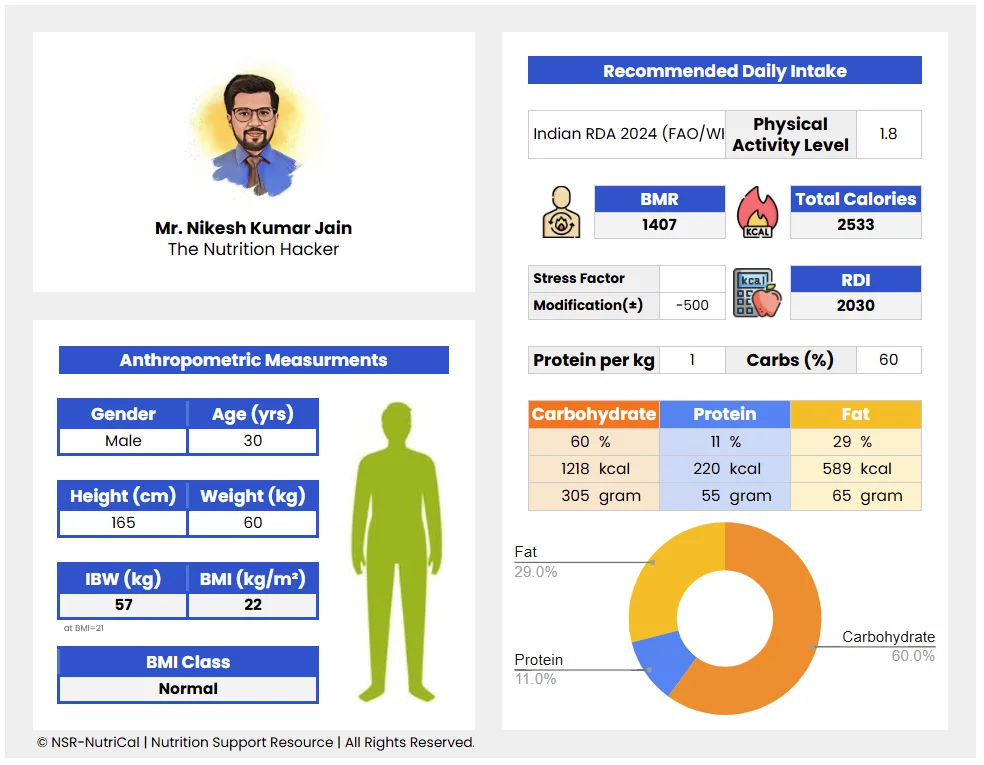
The NSR-NutriCal® RDI Calculator Sheet is your ultimate solution. Forget juggling multiple formulas and complex spreadsheets. This intuitive Google Sheets-based tool empowers you with custom functions and automated calculations to simplify your workflow and deliver exceptional results for your clients.
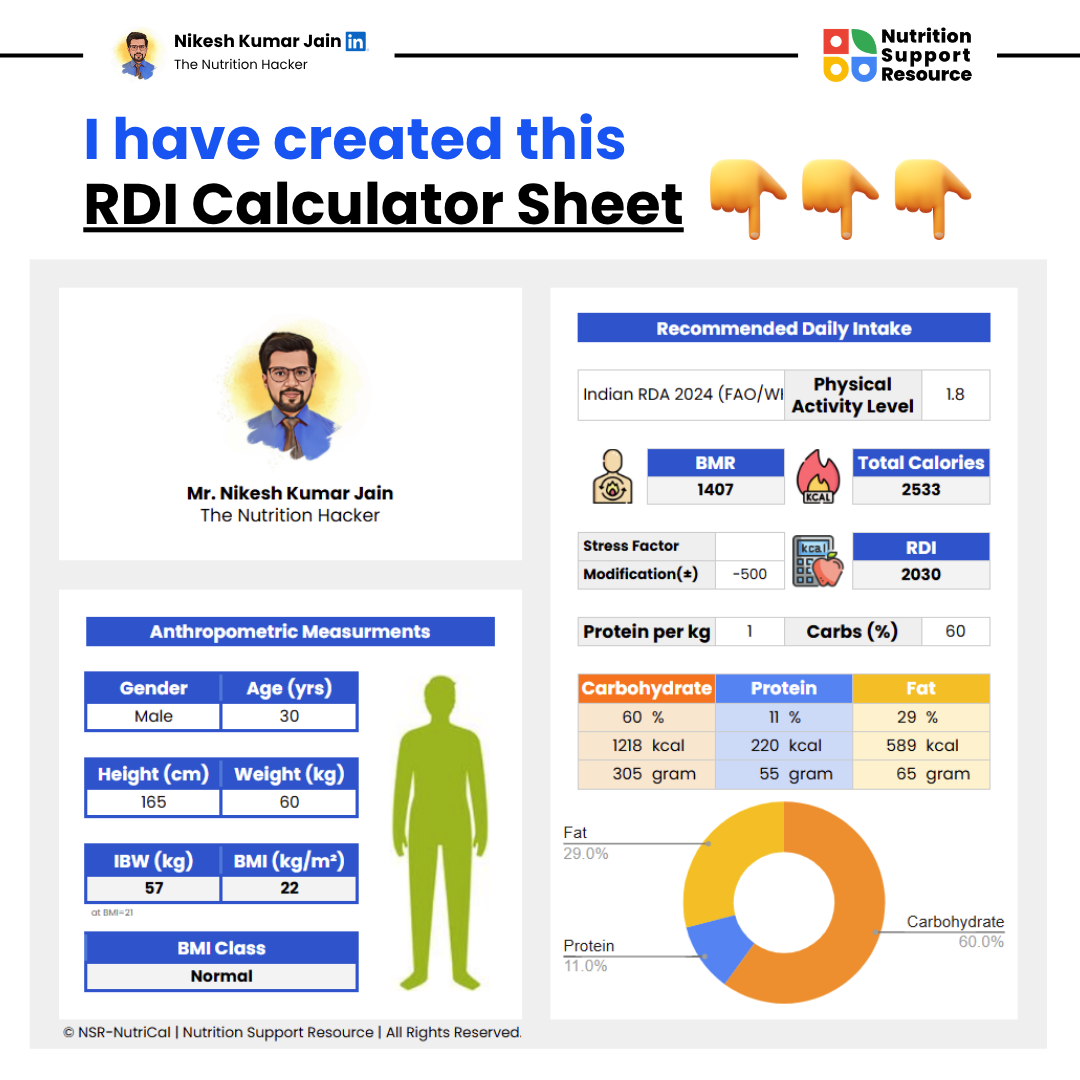
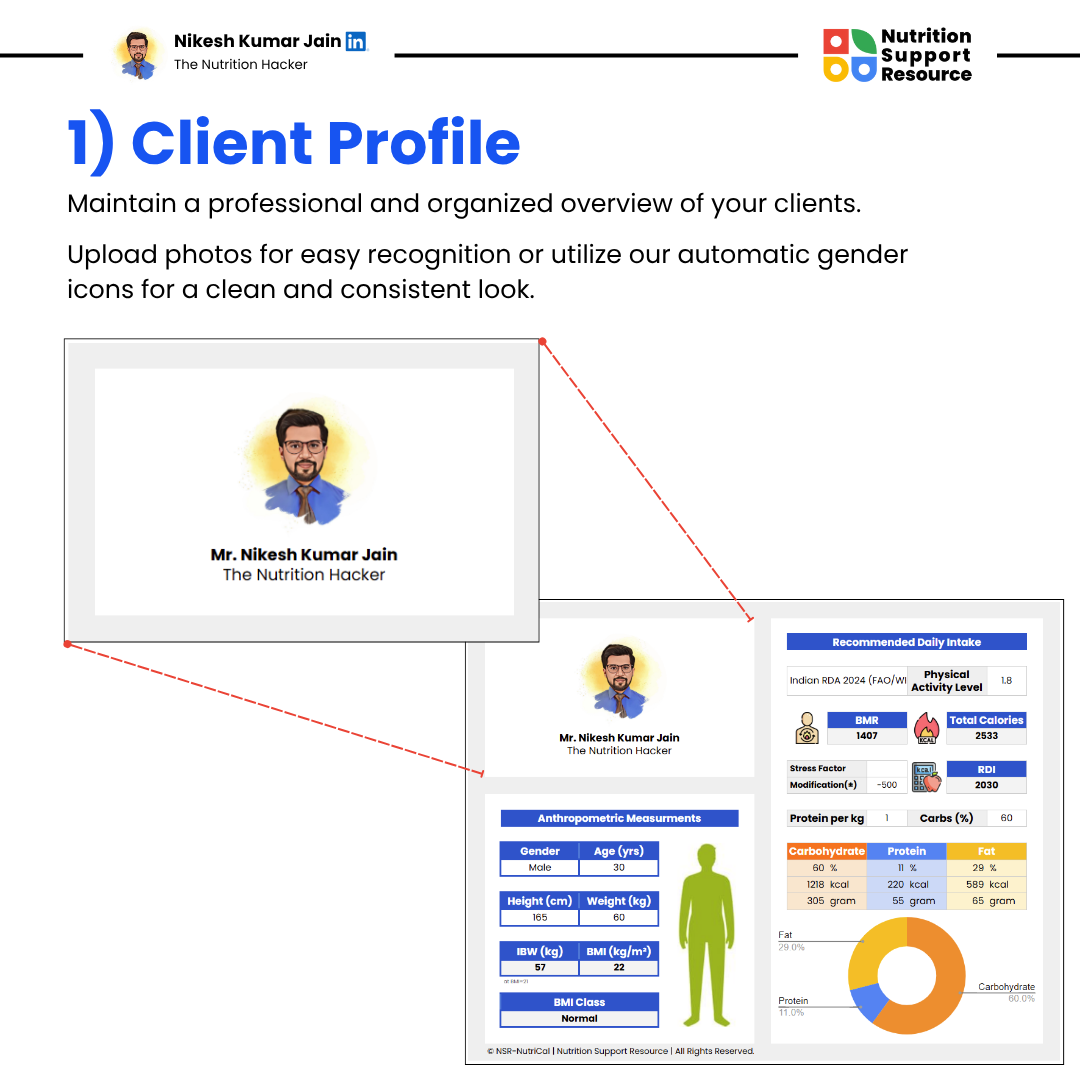
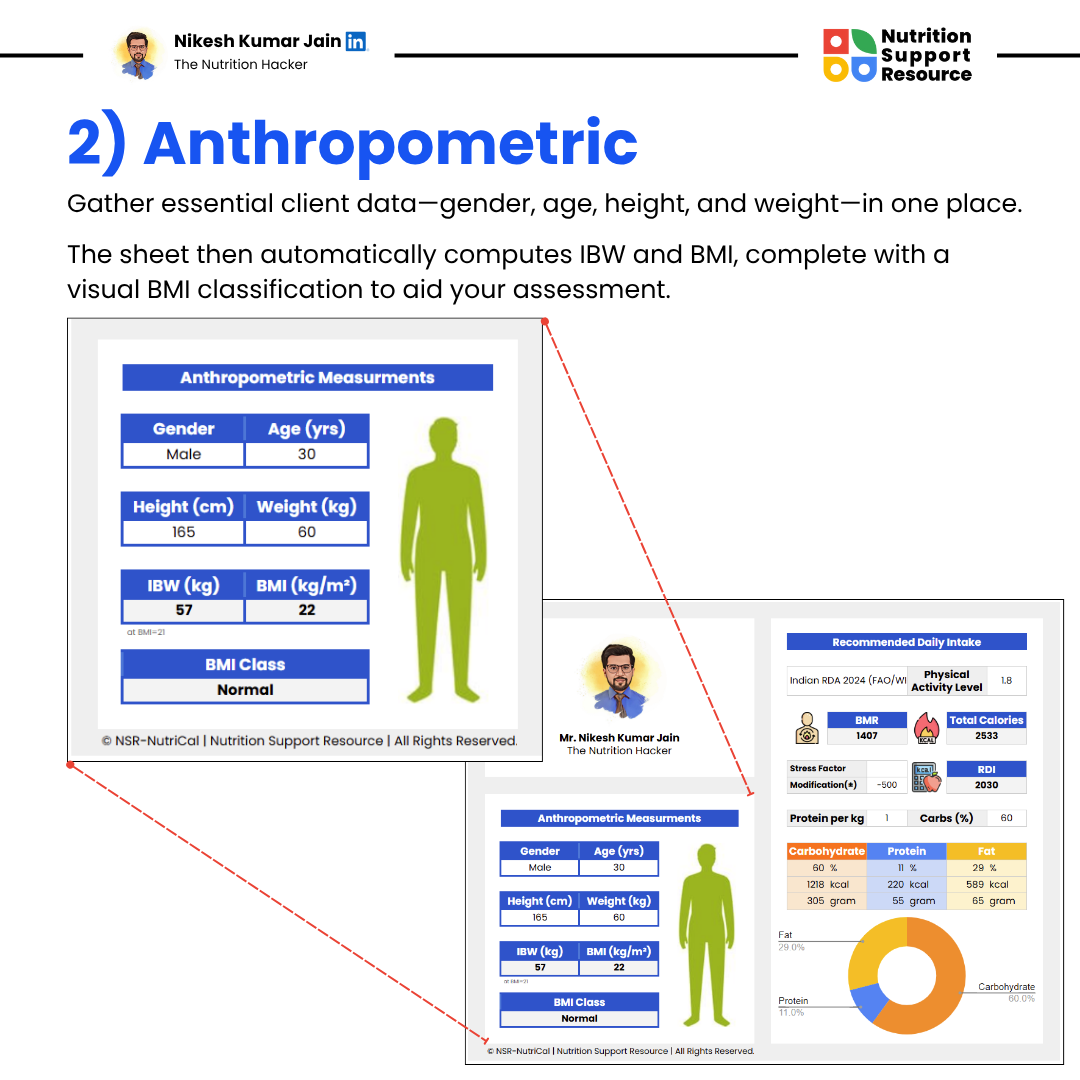
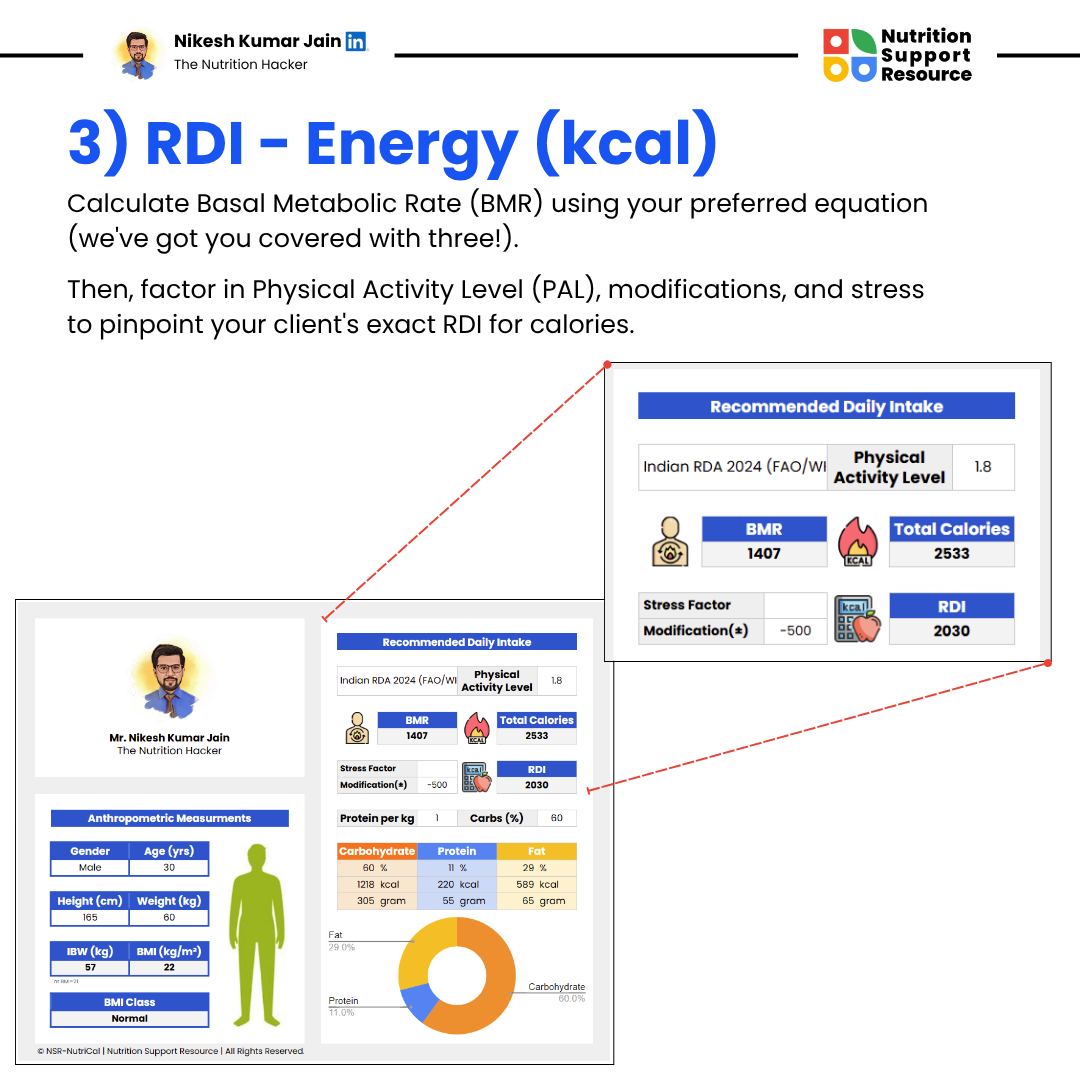
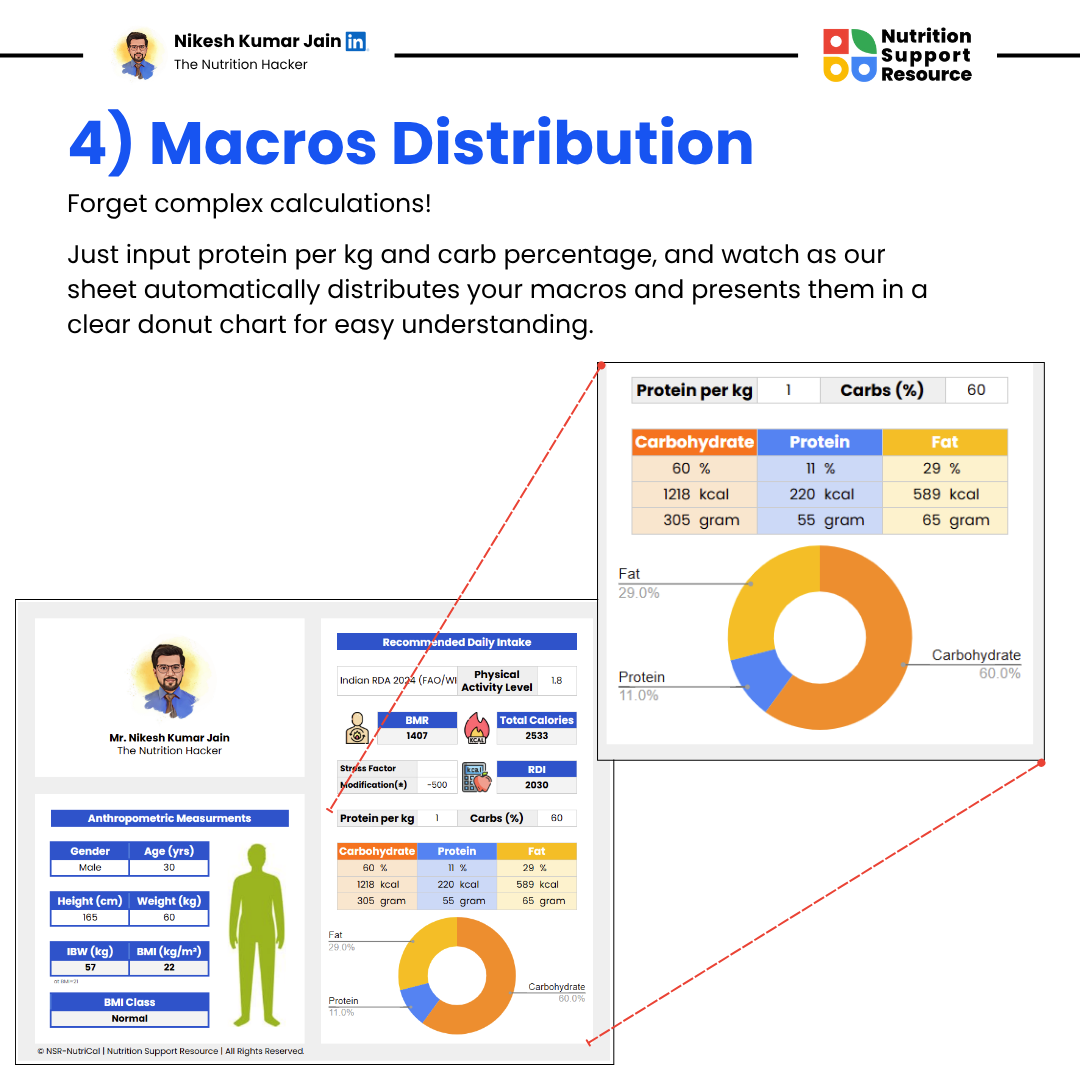
The NSR-NutriCal® RDI Calculator Sheet covers all essential nutrition calculations in one place. Custom Google Sheets functions automate complex formulas, saving you valuable time and reducing errors.
Have questions about how NSR-NutriCal® works? Find clear, concise answers to the most common queries and get the clarity you need to start using the tool with confidence.
Once you submit your details (ensure you provide a valid Gmail ID) and complete the payment, our team will share view access of NSR-NutriCal® RDI Calculator Sheet via email within 24 hours.
To use your NSR-NutriCal® RDI Calculator Sheet, you’ll need to make a personal copy of the file to your own Google Drive. Here’s how:
Open the Link
Click on the link provided in the email (you’ll see a “View Only” version of the sheet).
Go to File Menu
In the top-left corner, click on “File” in the menu bar.
Select “Make a copy”
Name Your Copy
A pop-up will appear. You can rename the sheet (e.g., “My RDI Calculator – NSR”) and choose the folder in your Google Drive where you want to save it.
Click “Make a copy”
Once done, your personal editable version will open in a new tab.
✅ Now you can enter your Activation Key to start using the sheet.
Once you’ve made a personal copy of the NSR-NutriCal® RDI Calculator Sheet, follow these steps to activate it:
Open Your Copied Sheet
After copying and renaming the sheet, go to your new version.
Click on ‘NSR’ in the Menu Bar
You’ll see a new menu item labeled “NSR” at the top. Click on it.
Grant Permissions
-> A popup will appear asking for permission to run the script.
-> Click “Continue”, then choose your Gmail account.
-> Click “Allow” to grant the required permissions.
Enter Activation Key
-> After permission is granted, a text box will appear asking for your Activation Key.
-> Copy the key from your email and paste it into the box, then click OK.
✅ That’s it! Your sheet is now activated and ready to use.
Absolutely! The sheet runs entirely in your own Google Drive. Your client or patient data stays private and secure – we do not collect or store any of your inputs.
The sheet is built for professional use. You can duplicate the sheet for each client or case.
Yes, your purchase includes lifetime access with a one-time payment. No hidden fees or subscriptions.

NSR-NutriCal® Anthro Tracker Sheet uses powerful custom functions to automate calculations, visualize progress, and save valuable time for nutritionists, dietitians, coaches, and health professionals.
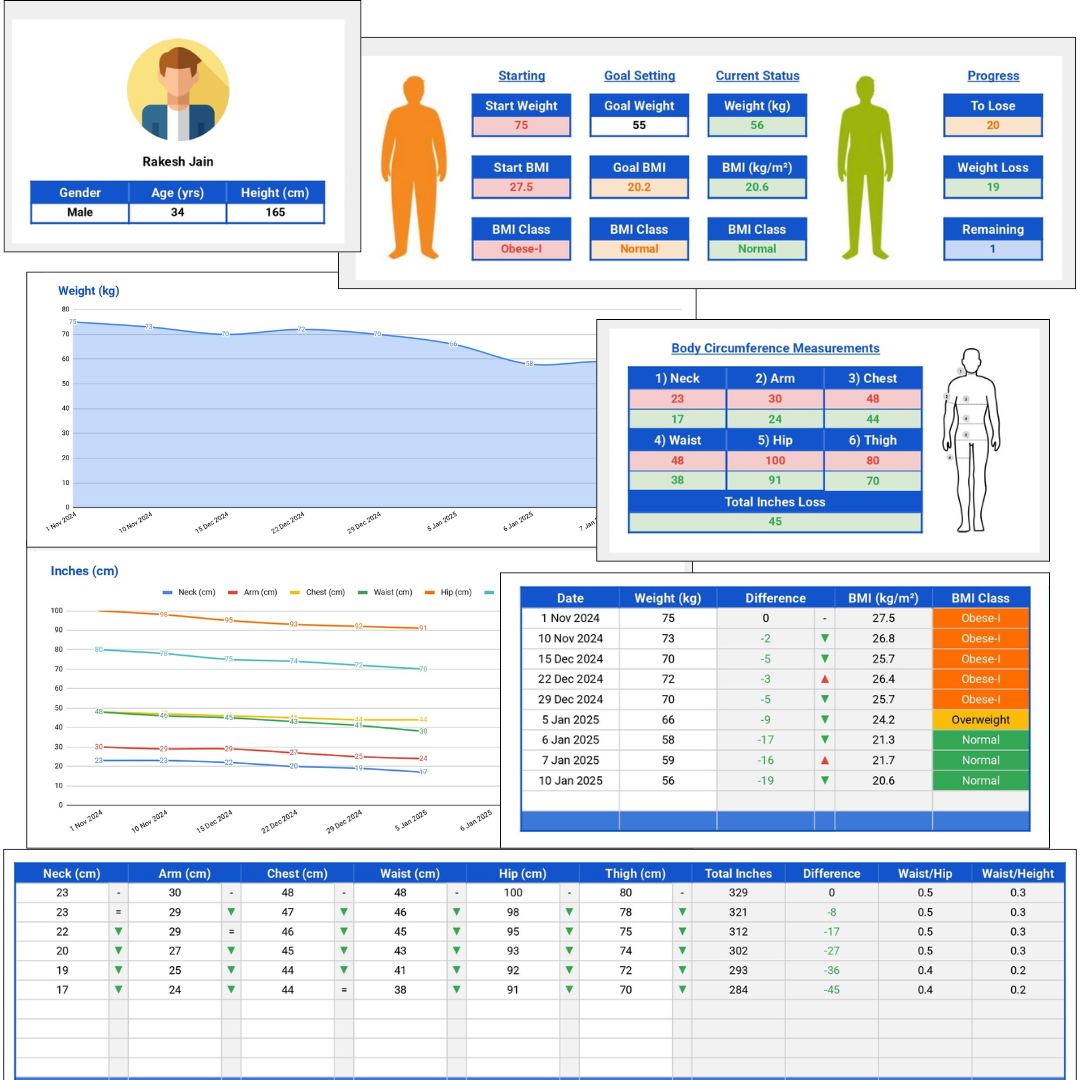
Your dedicated anthropometry powerhouse, built entirely within the familiar Google Sheets environment. NSR-NutriCal® Anthro Tracker Sheet leverages unique, custom-built functions to automate tedious calculations, provide instant visual insights, and centralize all your client anthropometric data securely in one place.
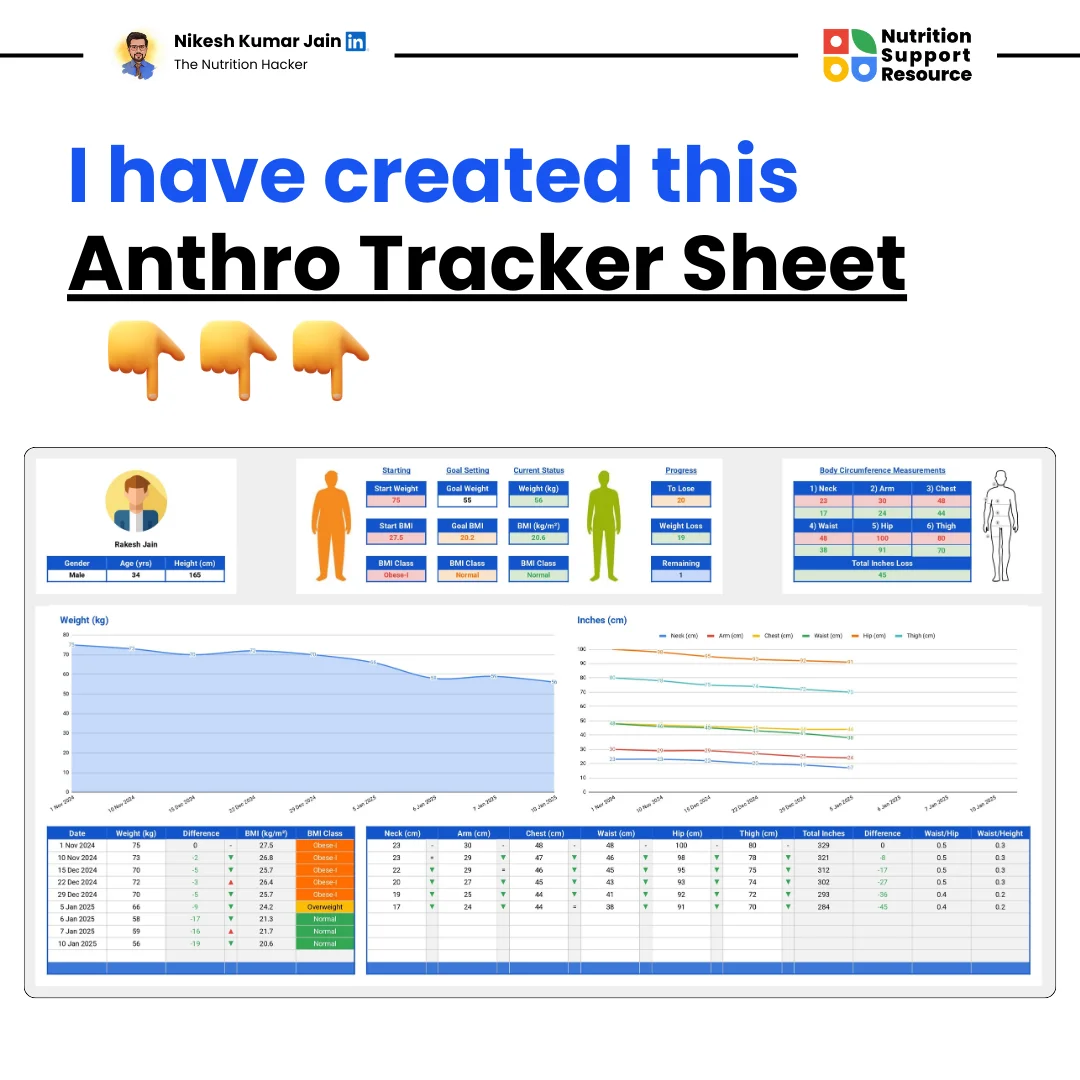
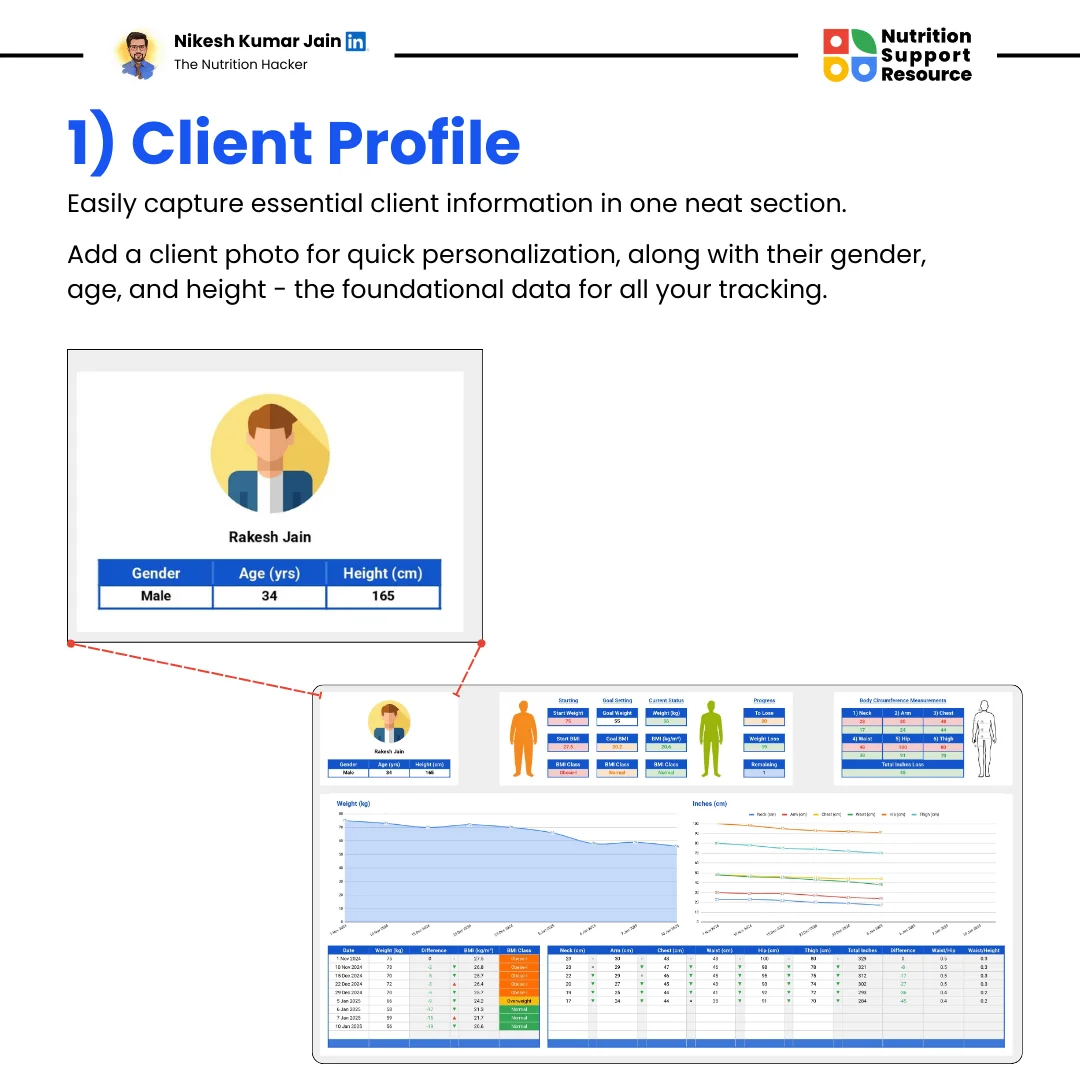
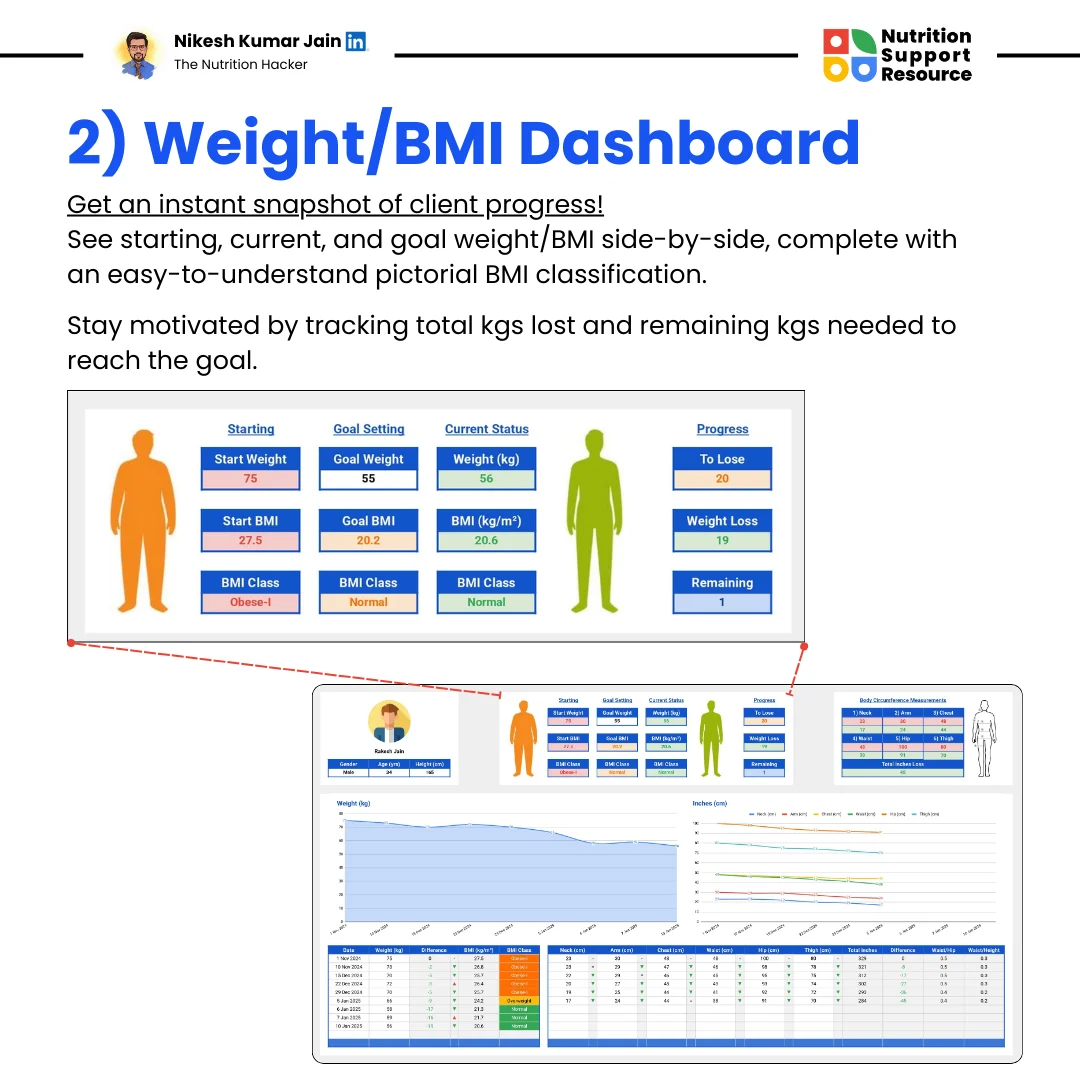
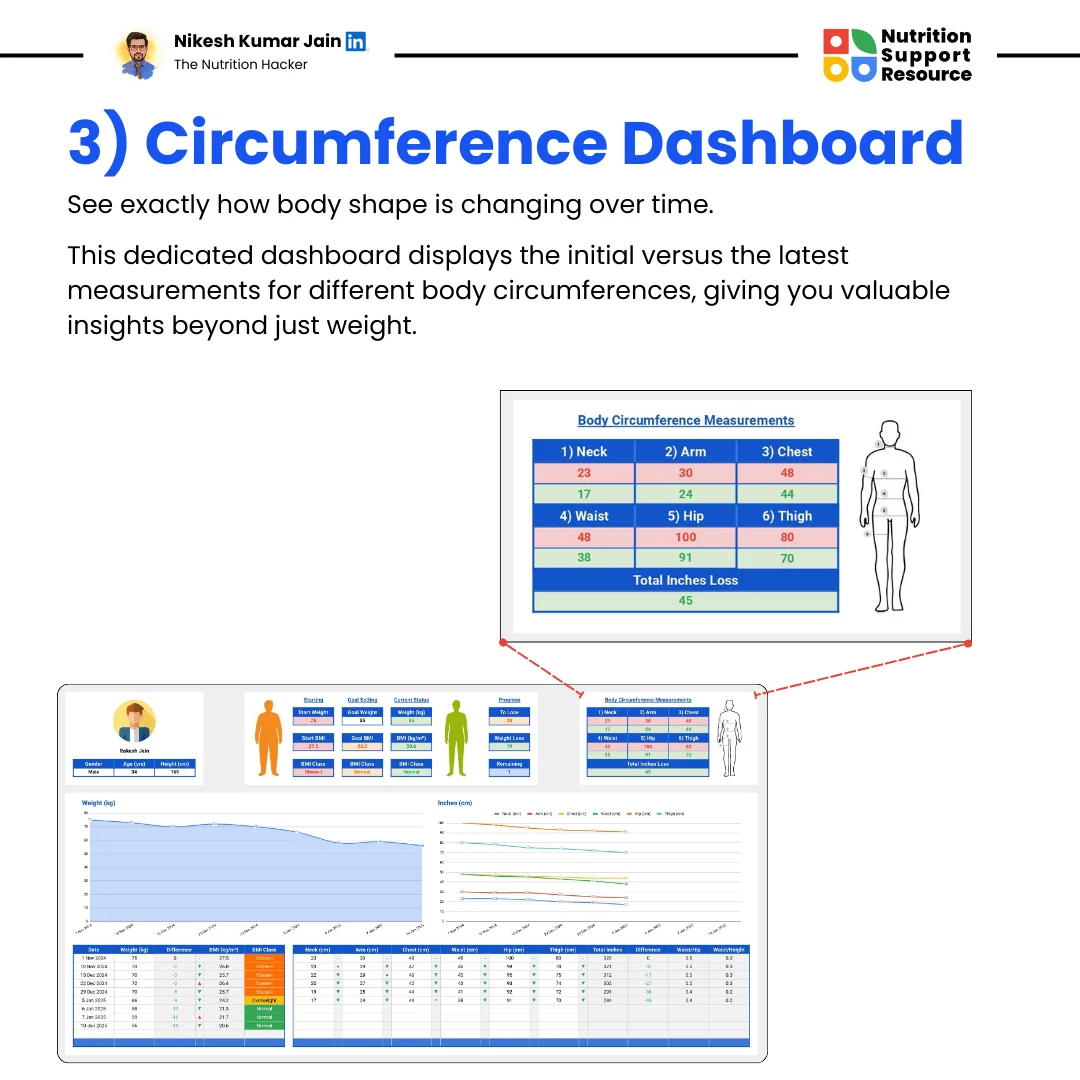
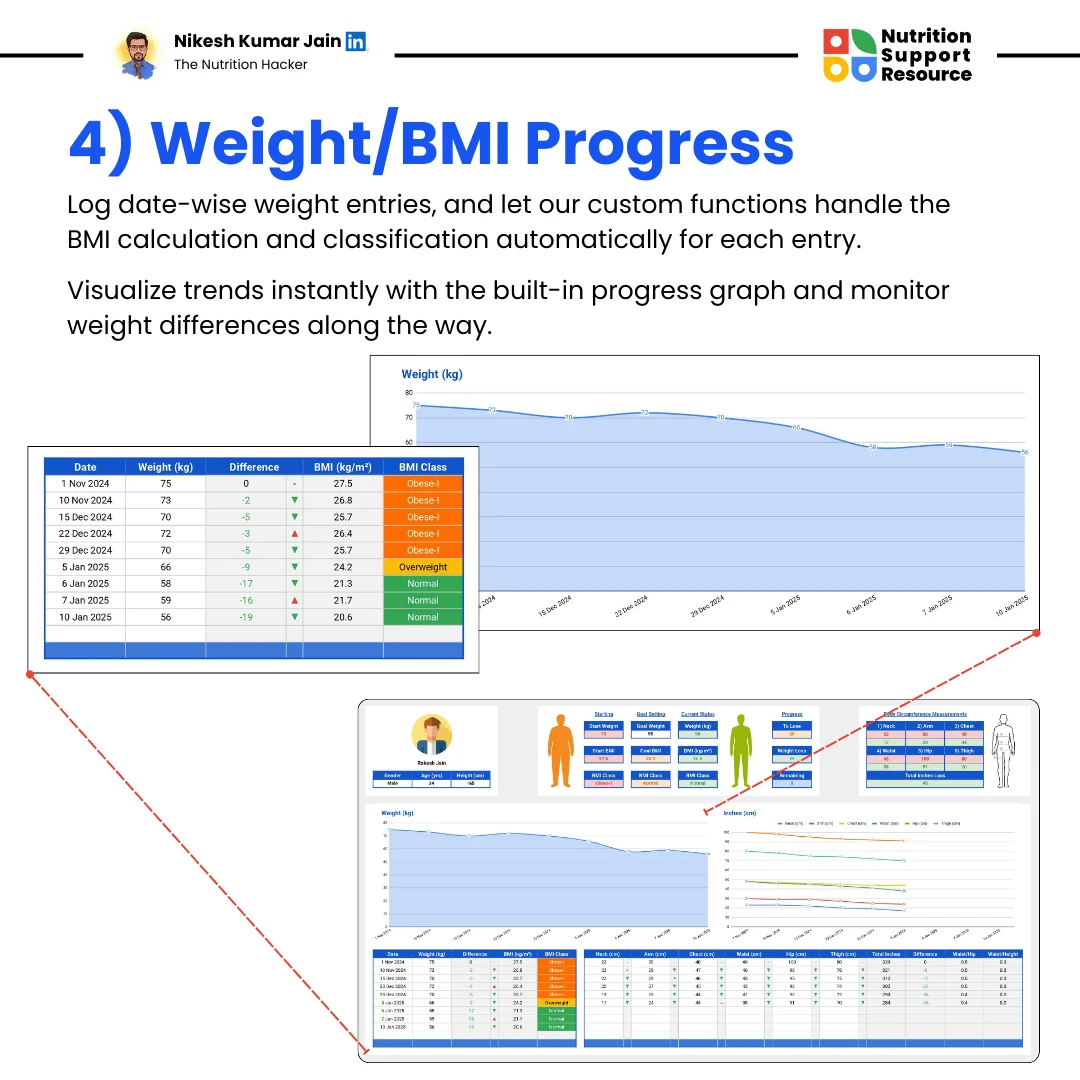
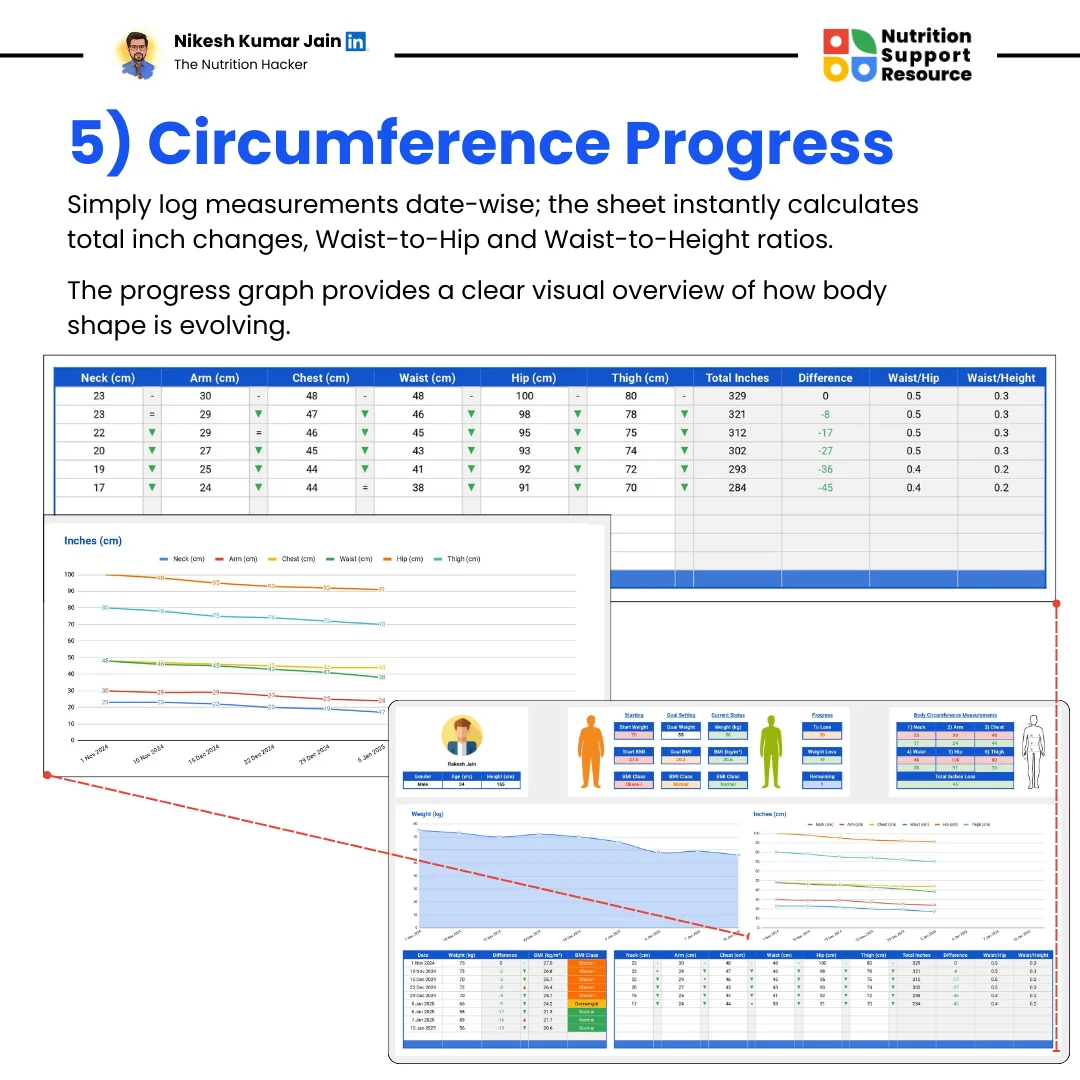
The NSR-NutriCal® Anthro Tracking Sheet automates complex anthropometric analysis within Google Sheets, freeing you to focus on what matters most – your clients or research.